Adding Project Members
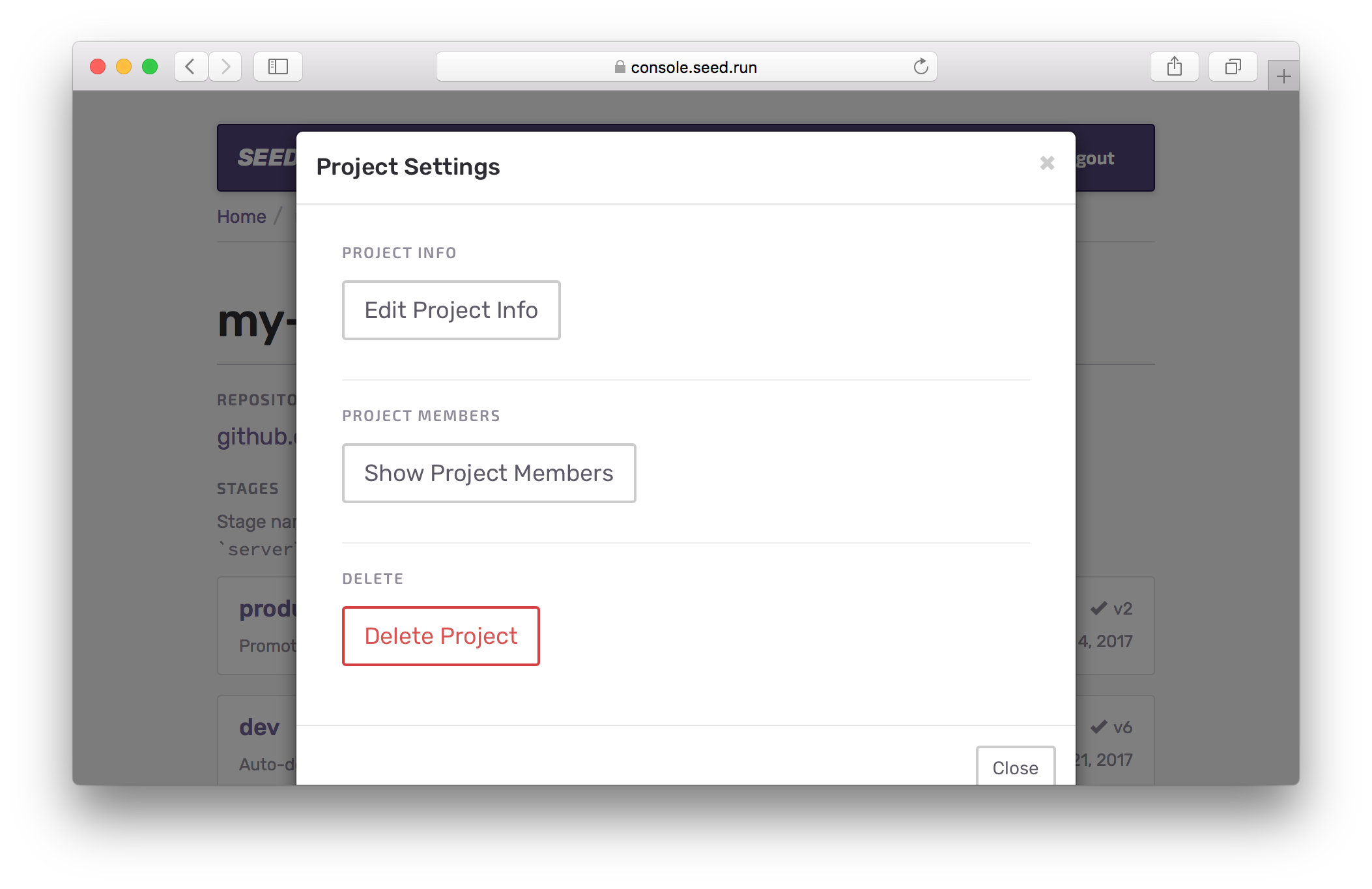
You can add your team members to your project on Seed with a few simple steps. Head over to your project settings and hit Show Project Members.
Here you’ll notice the folks that are a part of the project and the ones that have been invited.
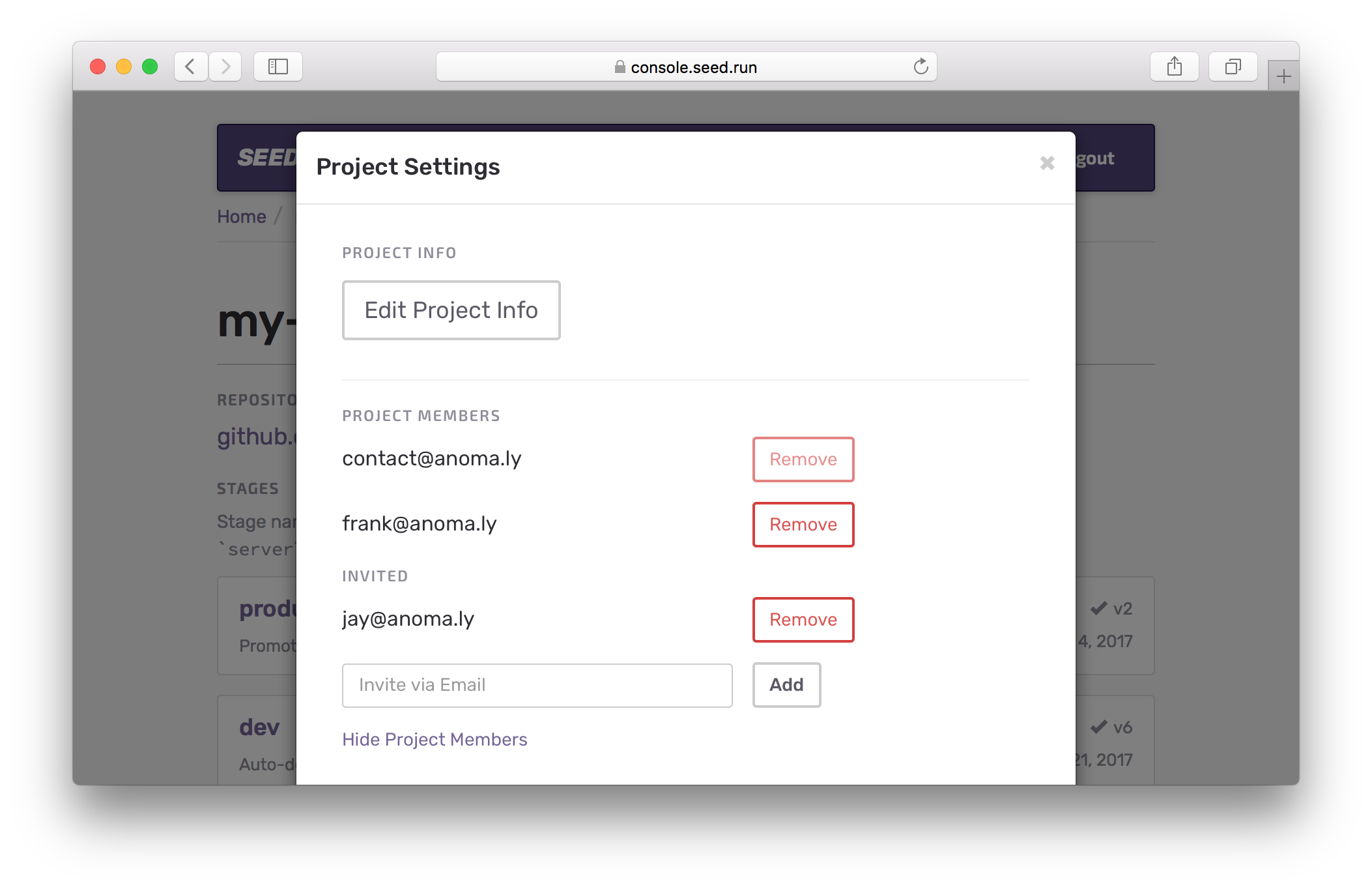
You can add a team member to this project with their email. If they don’t have a Seed account, they’ll need to sign up for one with the email address you are inviting them with.
Currently, all project members have complete control over the project. They can add or remove other project members. However, the original project creator cannot be removed from the project.
If you have any questions or feedback feel free to contact us via email.