Adding Build Notifications
Seed makes it easy to configure your stages with email and slack notifications. Notifications are sent when a build is deployed to the given stage.
You can configure each stage separately. For example, maybe you only want to be notified for updates to the production stage. Or maybe you want a specific stage to notify a specific member on your team.
Email Notifications
Simply add the email of the person you’d like to notify from the stage settings.
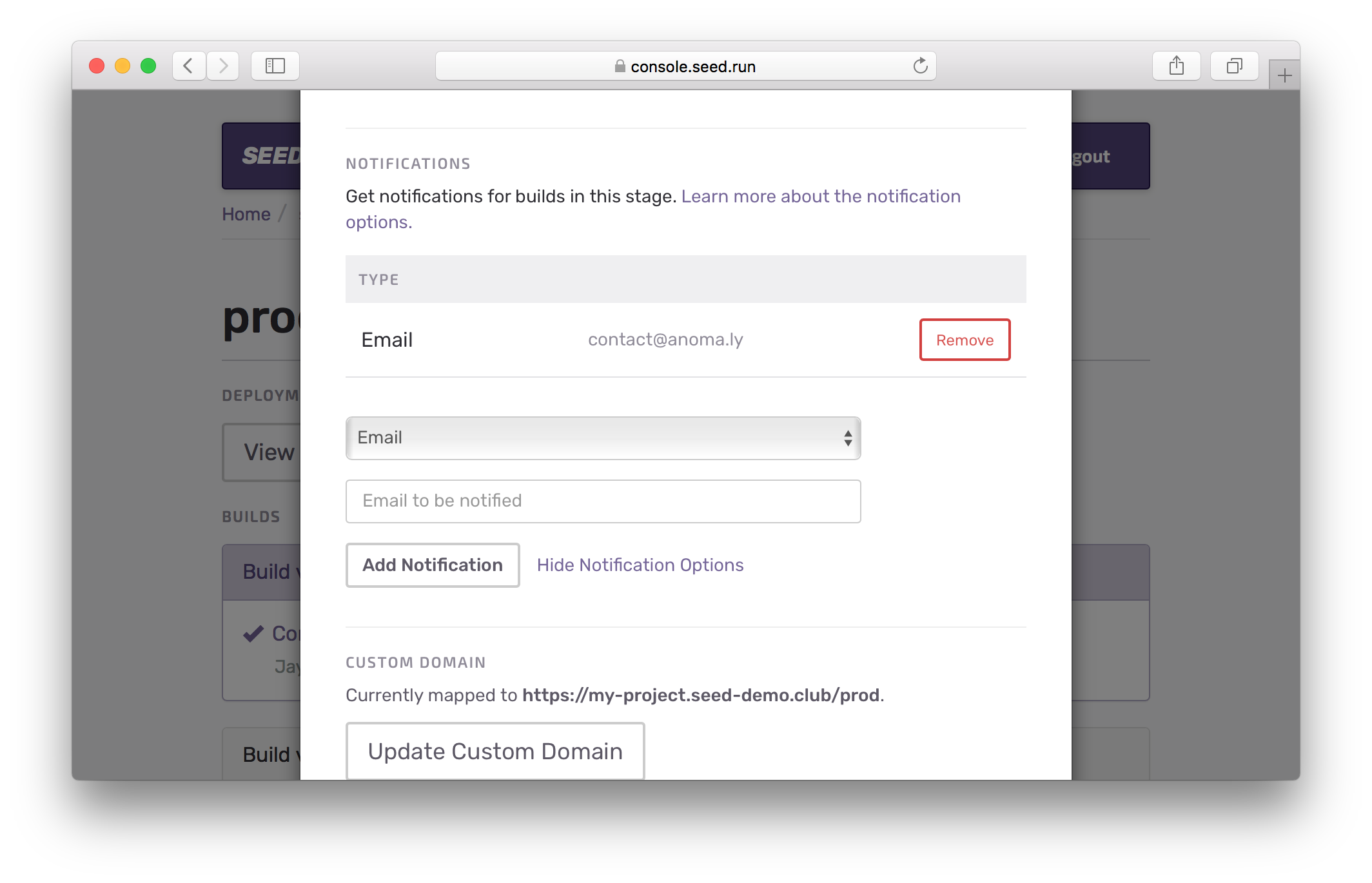
You’ll receive email notifications for successful and failed deployments.
Slack Notifications
To configure your Slack you need to:
-
Create an Incoming Webhook. You can follow this simple guide to configure an Incoming Webhook.
-
Add the webhook URL and the slack channel you’d like to send the notifications to. The channel is optional, since the webhook comes configured with a default channel.
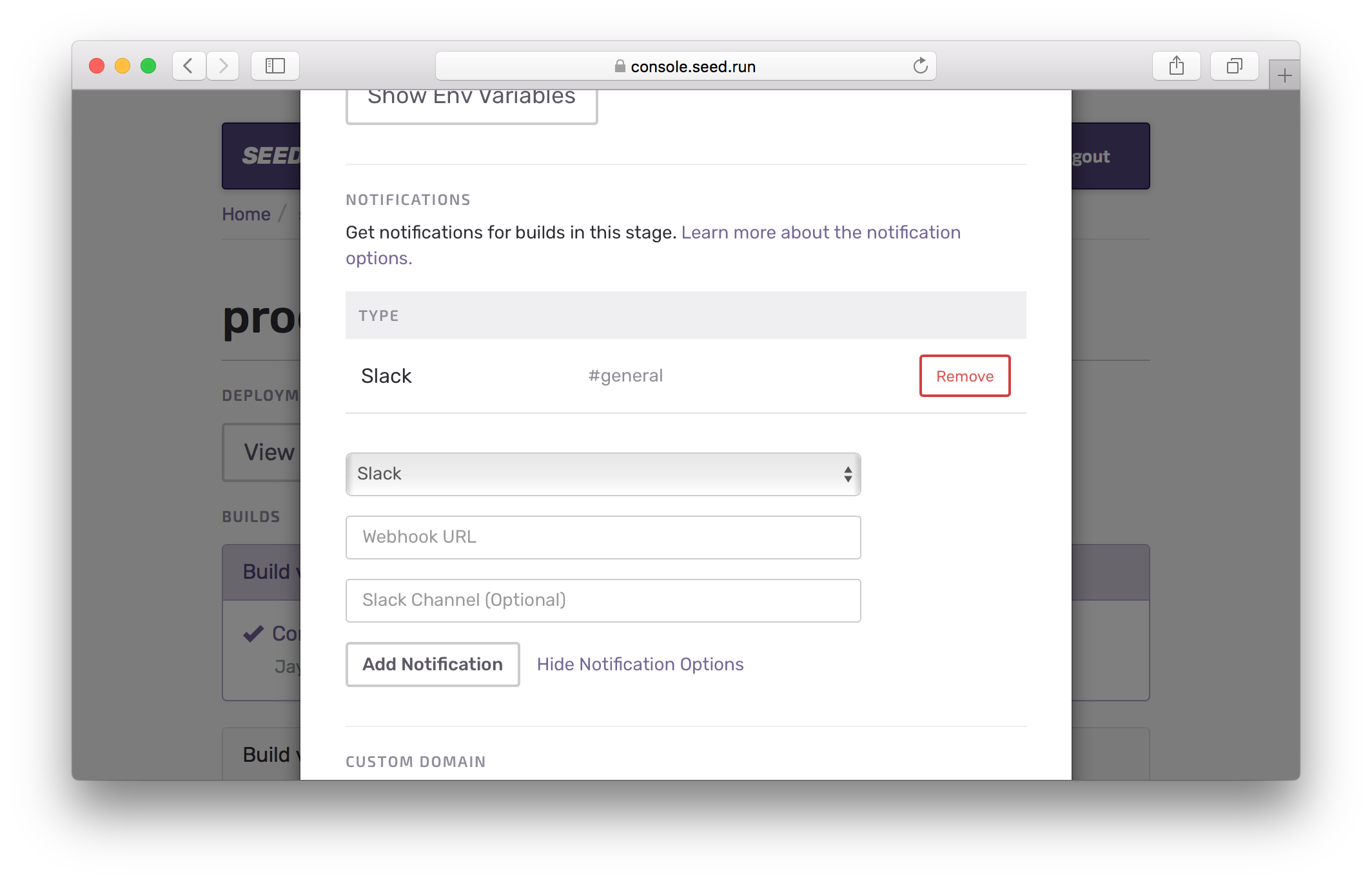
You’ll receive slack notifications for when a build is starting and if it succeeds or fails.
If you have any questions or feedback feel free to contact us via email.