Getting Started with Seed
Seed is a fully-configured code pipeline for building and deploying Serverless apps on AWS. Simply add your Git repository and IAM credentials and your entire team can git push to deploy updates to your Serverless app.
Seed currently supports the following:
- Serverless Framework projects
- Built for Node.js and Python
- Deployed to AWS
- Hosted on GitHub, Bitbucket, and GitLab
Support for other platforms and repositories are coming soon. Send us an email to let us know what you would like us to support next.
Pre-requisites
Seed needs very little configuration on your part and there is no CLI to install. But to add your project you need to:
- Add your project repository with your Git provider
- Create an IAM Role for your AWS account
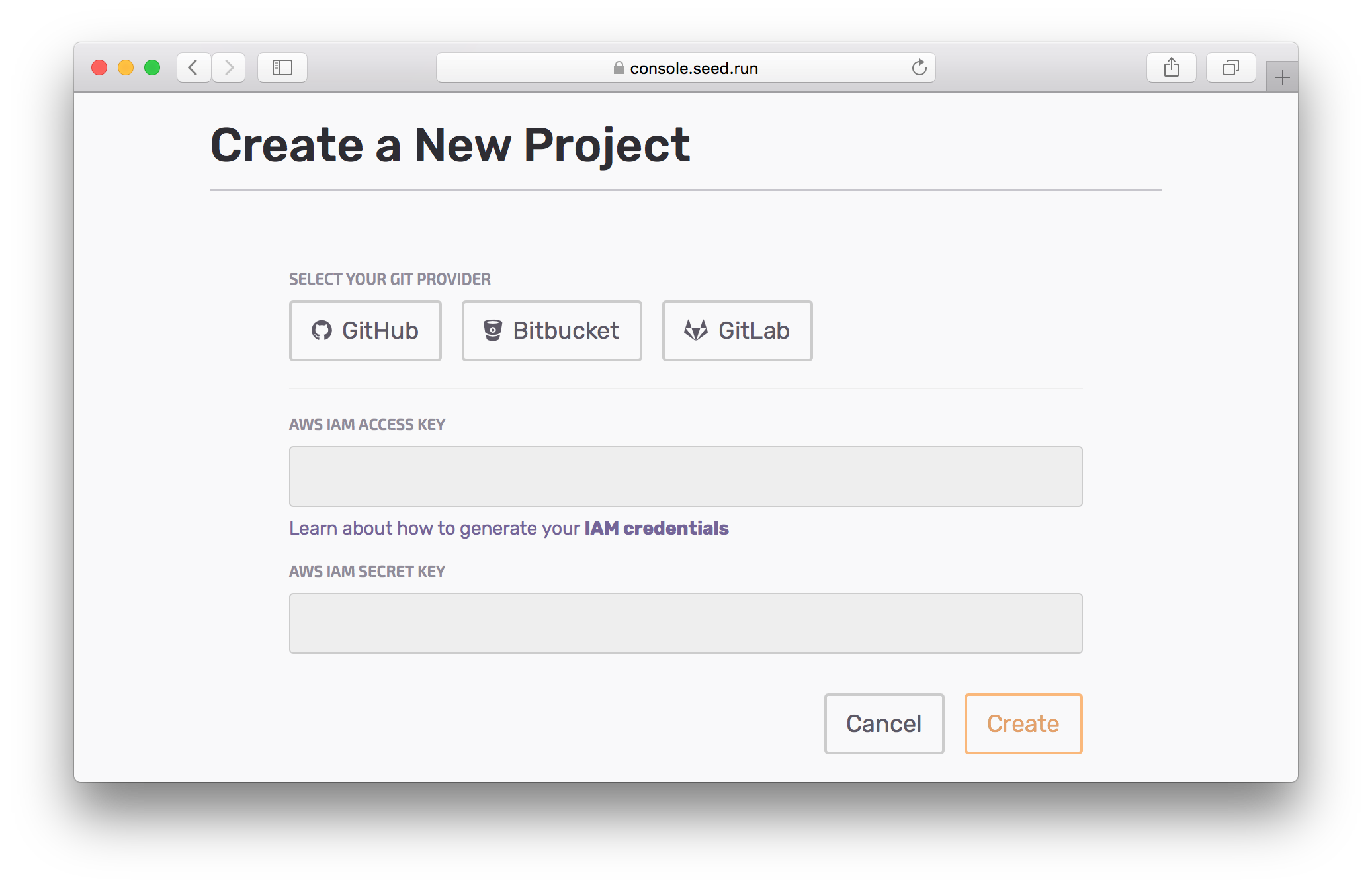
Let’s get started with adding your project to the Seed Console by taking a look at how to create a an AWS IAM Role.
If you have any questions or feedback feel free to contact us via email.